
TikTok captions generator
Auto Captions generates TikTok captions from your video: upload the clip, and the speech becomes bold on-screen captions that highlight each word as it is said. The studio opens in Bold Pop, large and centred, the style people expect on short vertical videos.
Price: 2 credits per second of video, plus 6 per video
1Your video
2Caption look
3Start
Price: 2 credits per second of video, plus 6 per video
Your captioned video shows up here
Drop a video, pick a look and press Add captions. You can close the tab: every job is saved under Captioned videos.
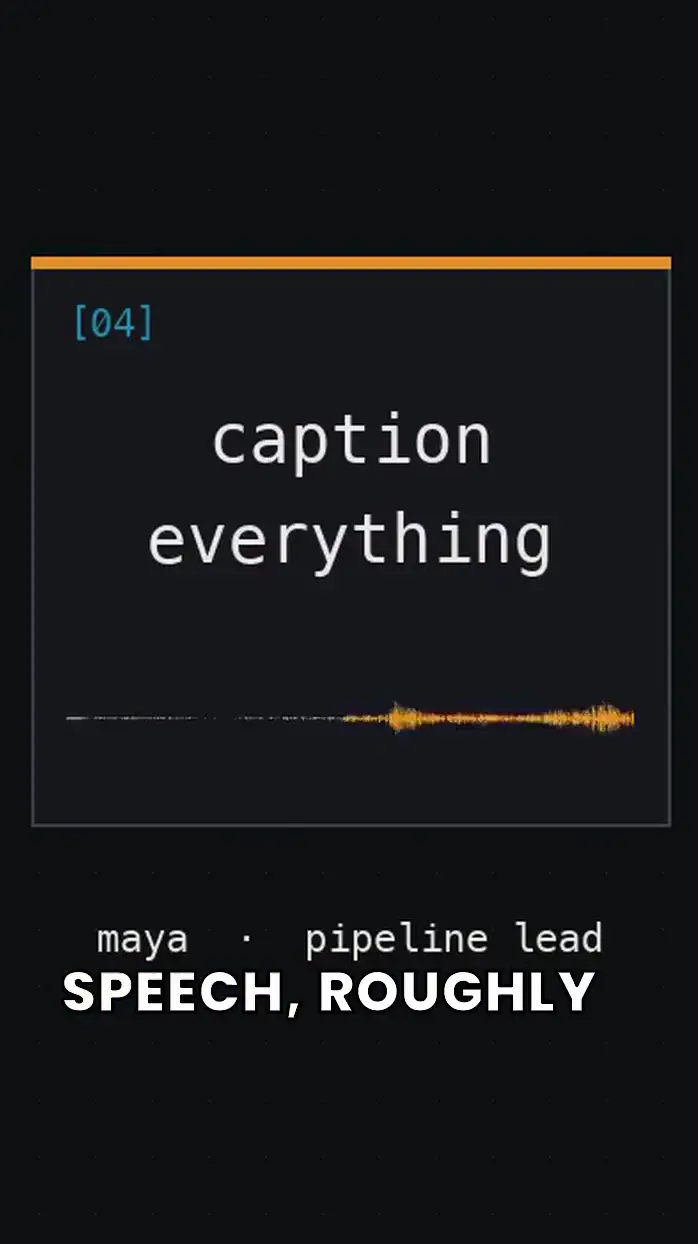
Captions are not optional anymoreBold Pop 
Retries that never charge twiceBold Pop
How to use TikTok captions
- 1
Upload the vertical clip
Add the MP4 or MOV you exported for TikTok. Bold Pop is ready to go: white uppercase words with a yellow highlight, large, in the middle of the frame.
- 2
Keep captions clear of the buttons
TikTok lays its caption text, username and side buttons over the bottom and right edges, so the middle position is the safest default. Use top if a face sits in the centre.
- 3
Render and post
Start at the quoted price, fix any misheard word in the editor, and download the MP4 ready to upload.
Questions
How do I make TikTok-style captions?
Upload your vertical video here and start. Auto Captions transcribes the speech and burns bold captions into the picture, highlighting each word as it is spoken, in the Bold Pop look by default.
Where should captions go on a TikTok video?
Usually in the middle. The app covers the bottom of the screen with your post text and the right edge with buttons, so lower-third captions can get hidden. Top works when the middle is busy.
Will the captions look sharp on TikTok?
The video is rendered as an MP4 at up to 720p, and the captions are drawn into the picture, so they show the same on every phone without depending on TikTok’s own caption setting.
Can I use the same video on Reels and Shorts?
Yes. Burned-in captions travel with the video, so the same MP4 can be posted to Instagram Reels and YouTube Shorts as well.
Last updated: