
Animated captions for your videos
This page turns your video into one with animated captions: Auto Captions transcribes the speech and lights up each word in time with the voice, in the caption look you choose. The animation is the word highlight itself, so the text stays easy to read while still drawing the eye.
Price: 2 credits per second of video, plus 6 per video
1Your video
2Caption look
3Start
Price: 2 credits per second of video, plus 6 per video
Your captioned video shows up here
Drop a video, pick a look and press Add captions. You can close the tab: every job is saved under Captioned videos.
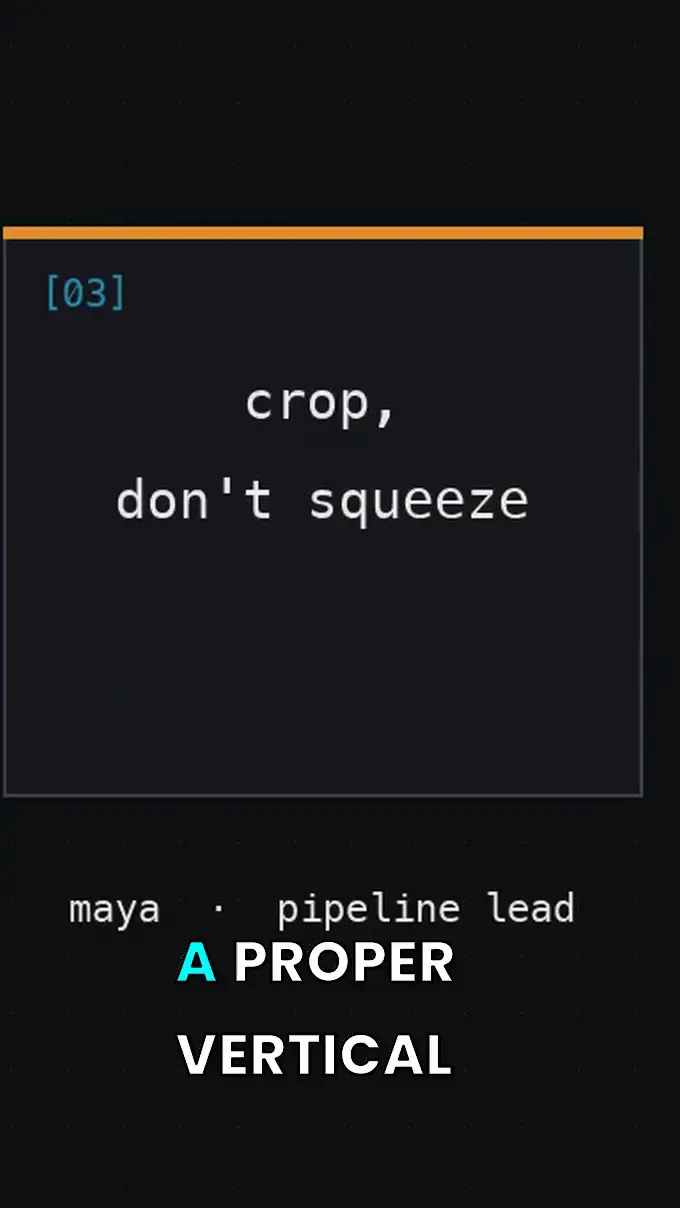
Vertical video is a crop, not a resizeKaraoke 
Polling is fine, hammering is notKaraoke
How to use Animated captions
- 1
Add a video with speech
Upload an MP4 or MOV in any orientation. The studio starts in Karaoke, white uppercase text with a cyan highlight that follows the voice.
- 2
Choose the look
Switch between Bold Pop, Karaoke, Clean Bar, Keyword, Rounded and Headline, then set the position and the size that fit the shot.
- 3
Render and compare
Start the render at the quoted price. To try another look, re-style it: the stored words are reused, so nothing is transcribed twice.
Questions
What are animated captions?
Captions that change as the person speaks. In Auto Captions, every word is highlighted in time with the voice, so viewers can follow along word by word.
Which caption looks can I pick from?
Bold Pop (yellow highlight), Karaoke (cyan), Clean Bar (text on a translucent dark box), Keyword (italic with green), Rounded (rounded font with orange) and Headline (yellow text with a white highlight).
Can I change the look after rendering?
Yes. Pick a different look, position or size and re-render. Auto Captions reuses the stored words, so the speech is not transcribed again; the re-render costs the same as the first run.
Are there other animations, like bouncing text or emoji?
No. The animation is the word-by-word highlight, which keeps the captions clean and readable on every look.
Last updated: